Using the HeadBuilder
What is the ImageVault?
What is the ImageVault and how is it different from the ImageAgent?
ImageVault is a library of licensed stock photography and illustration — hundreds of millions of images — searchable from inside the designer without opening another tab.
The difference from ImageAgent is the difference between drawing and finding. ImageAgent makes something new from your description. ImageVault goes and finds something that already exists, shot or drawn by a professional and licensed for print. Plenty of designs use both.
1. Open it. In HeadBuilder Studio, click Add Images in the left toolbar, then ImageVault.
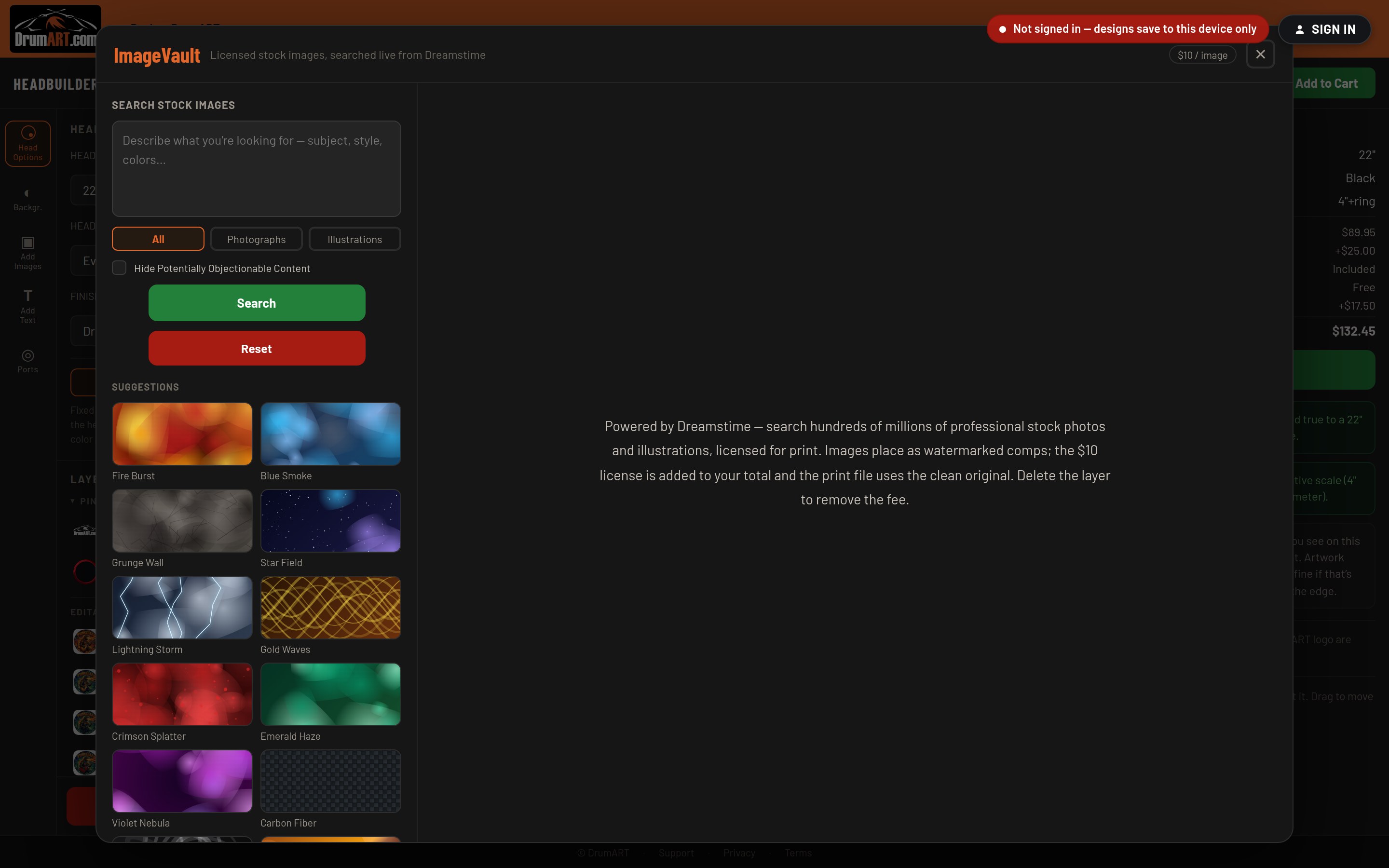
2. Search. Describe what you're after in Search Stock Images — subject, style, colors — or tap one of the Suggestions to see what a texture or background looks like. Narrow the results with All, Photographs or Illustrations, and tick Hide Potentially Objectionable Content if you'd rather not see everything the library holds.
3. Browse. Results come back a page at a time; Prev and Next walk through them.
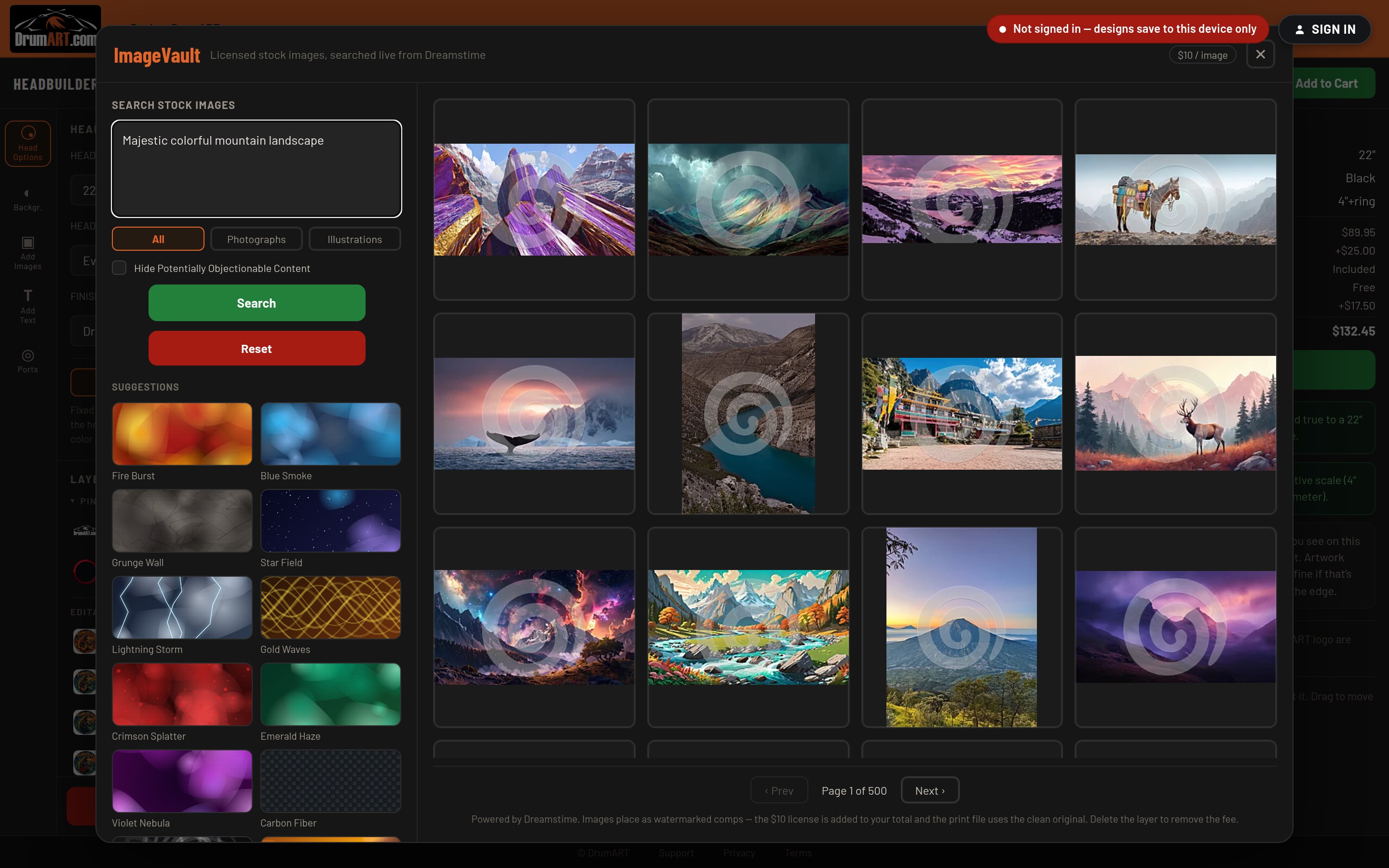
4. Click an image to place it. It lands on your head as a layer you can move, scale, rotate and combine with your own uploads, your text and anything else you've built.
What it costs. Images place as watermarked comps, so you can try as many as you like for nothing. If one is still on your head when you check out, a $10 license is added to your total and your print file uses the clean, full-resolution original — no watermark ever reaches the drumhead. Delete the layer and the fee comes off.
Tip: audition three or four candidates on the actual head before you settle on one. Only the layers still there at checkout are licensed, so trying images costs you nothing but a minute.
More In Using the HeadBuilder
- How do I use the HeadBuilder? Four steps, and the designer walks you through all of them.
- What are the different HeadBuilder modes and how do I use them? HeadBuilder Studio, HeadBuilder Wizard, or your phone — which way in is right for you?
- What is the ImageAgent and what can it do? What the ImageAgent is, why it changes everything, and how to drive it.
- What is the ShieldGenerator and how do I use it? ShieldGenerator? What's a ShieldGenerator? — and how do I build a crest with it?
Still Need Help?
If your question isn't answered here, email info@drumart.com and a real person will get back to you.
Email Us